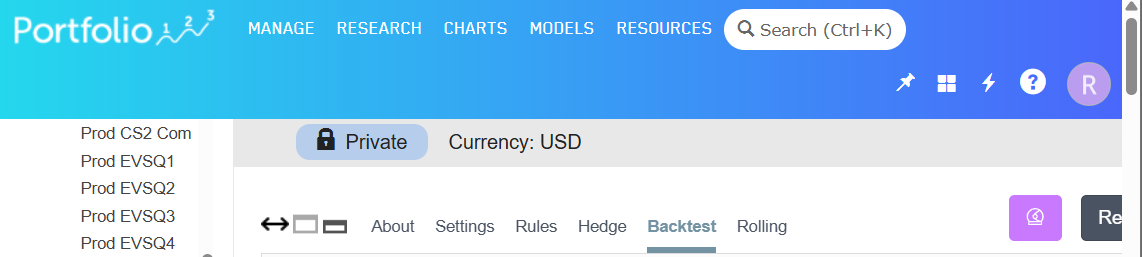
When in full screen mode the header is:
When not in full screen mode only the “Private” line is present. Since both ways to “Save” a changed screen are now unavailable it becomes awkward to flip in and out of full screen mode to save. Please restore the functionality to partial screen mode.
I am using the current release of Chrome.
Cheers,
Rich
Can you attached a screenshot of the "bad" state? Please include the upper panel that displays the p123 logo.
Here is the requested screenshot.
I'm going to summarize that as;
global nav icons wrap to second row at narrow screen widths, increasing header height and obscuring page content.
If you are referring to the content in the blue header box, then yes.
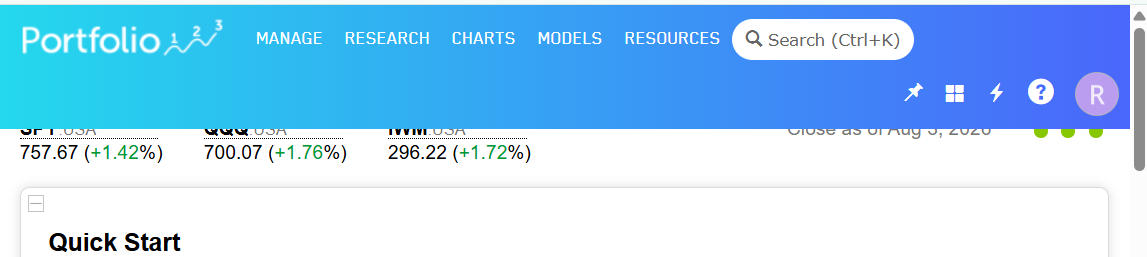
In fact, as I landed on the initial screen this is the top portion:
The top of the next block of content is missing.
This has now been added to our minor bug list and will be addressed once development resources become available.
Thank you, the functionality has been restored.
Cheers,
Rich