P123,
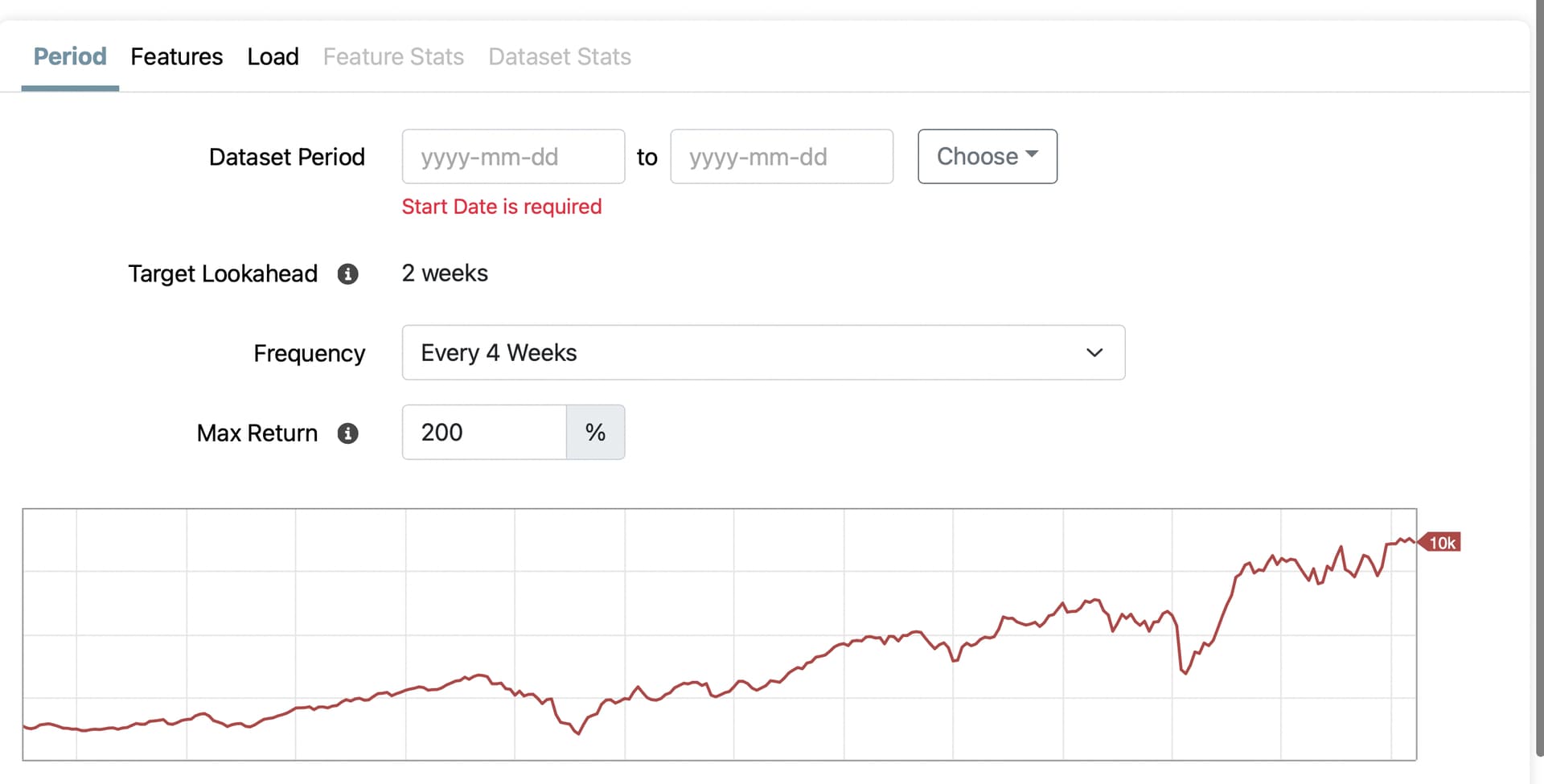
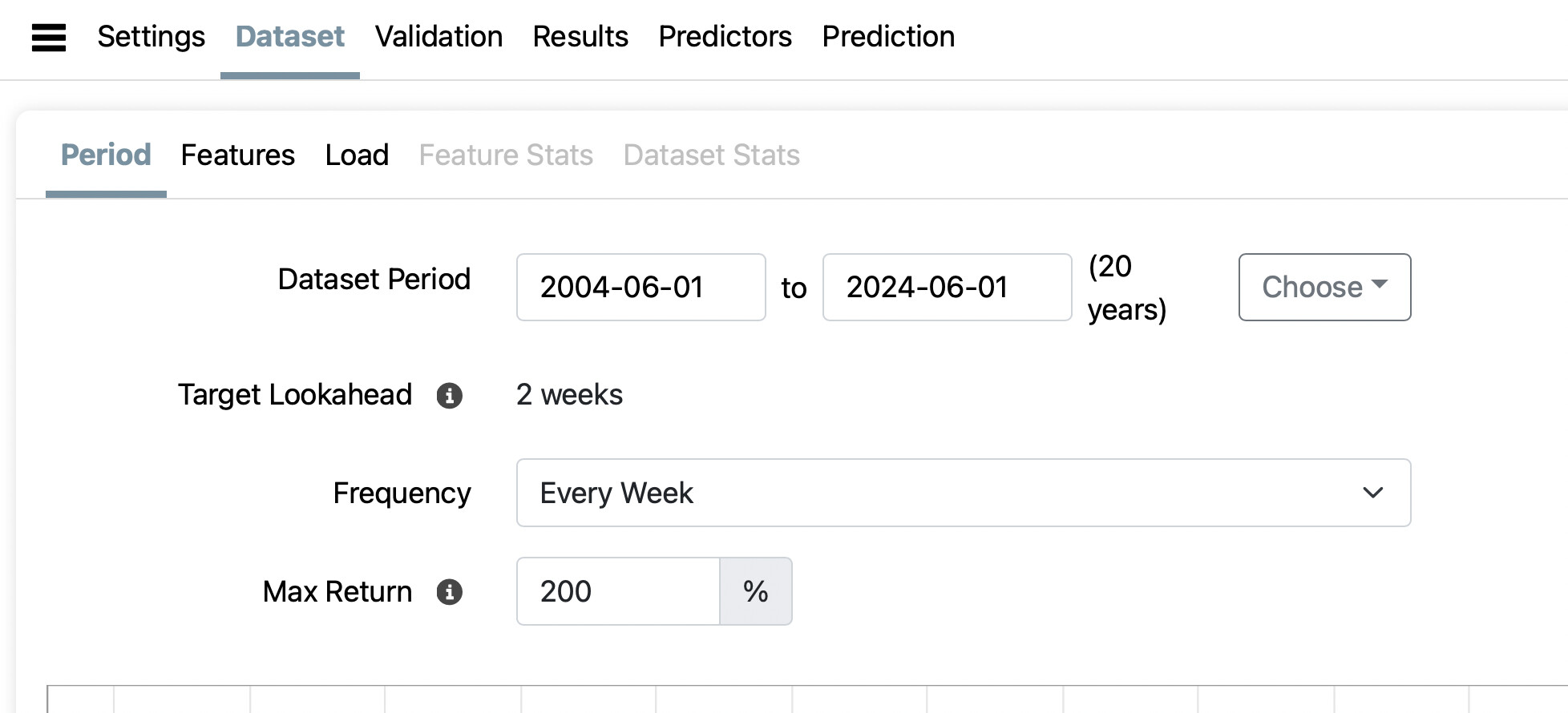
The "Target Lookahead" is now set to 2 weeks and looks like it cannot be changed by the user. Is that a resource issue?
Am I missing something? Can that be changed to one week somehow?
Jim
P123,
The "Target Lookahead" is now set to 2 weeks and looks like it cannot be changed by the user. Is that a resource issue?
Am I missing something? Can that be changed to one week somehow?
Jim
I just loaded one with 3M. If you have already loaded data with one future period, I don't think you can change. You probably have to build a new data set with a new name. Correct me if I'm wrong.
This is what pops up before I have changed anything. Where do I change Target Lookahead? "i" here just gives information and I do not see a menu to change it.
I tried smaller data sets and this remained the same. I hope I am just doing something wrong or missing something.
Thank you.
Jim
The down arrow on the right of Frequency "Every 4 Weeks"
depress and for me I get several choices.
Thank you, yes.
But is Frequency (which I can change) a Target Look-ahead the same? And does it make sense to to slide the prediction window up a week each time (consistent with a weekly rebalance) but be limited to predicting the next 2-week returns.
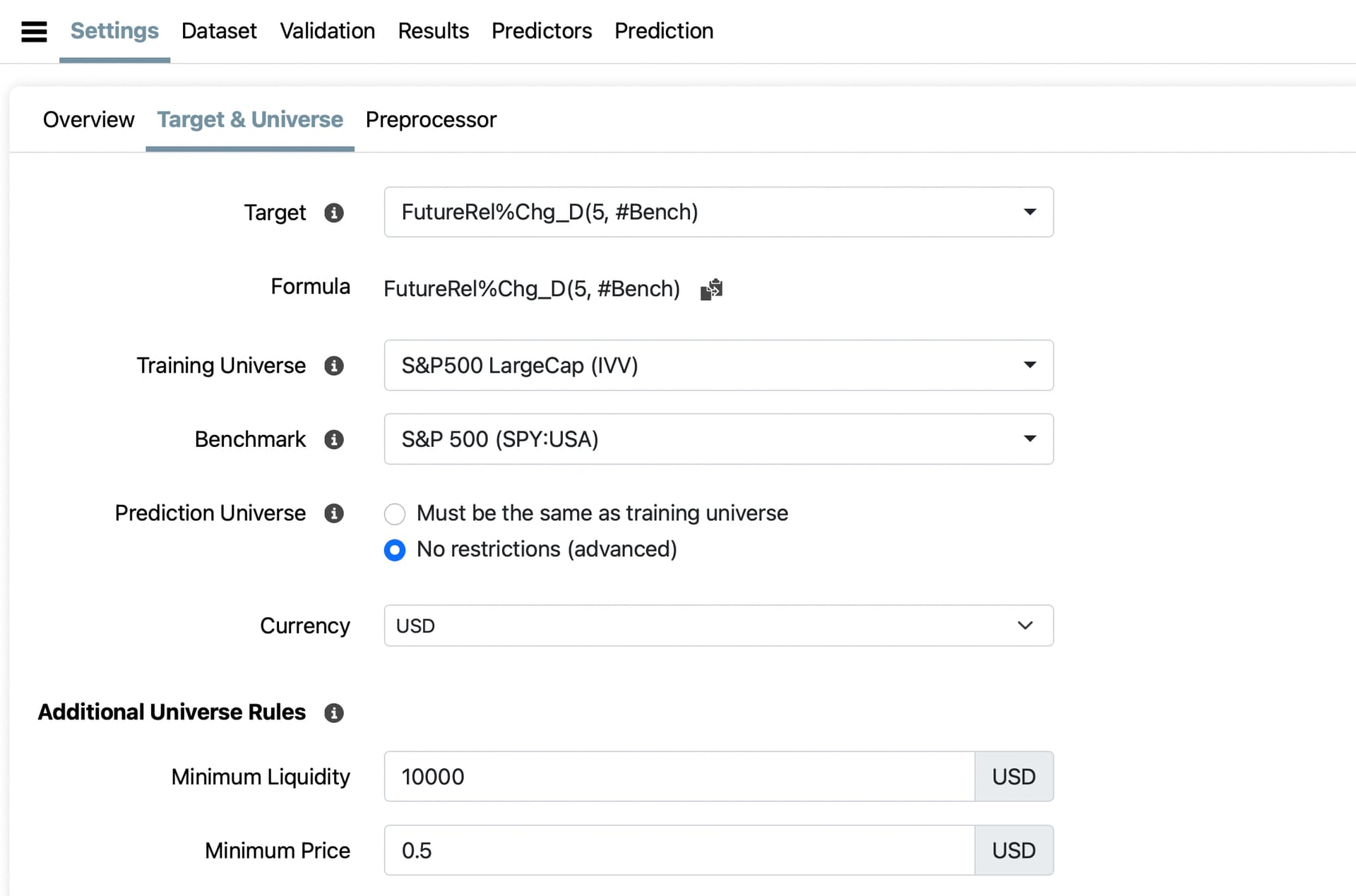
Especially if my target has a one-week lookahead: FutureRel%Chg_D(5, #Bench)
Jim
Hi Jim,
Since you have not loaded the dataset yet, you can go to the Settings page in the AI Factor and change the Target. It is the first field on the Target & Universe page.
Thank you Dan but I am still missing something.
If you mean target variable do you mean switch to FutureRel%Chg_D(4, #Bench)?
Seems like for a week FutureRel%Chg_D(5, #Bench) is what I want but depends on how you count days. If I trade on Monday close and sell on next Monday's close I would count that as needing 5 trading days of returns in my target. I did not see a menu in settings if that is what you mean.
Just meant to show no drop down menu in settings so my Target Variable must not be correct?
Thank you for your help.
Jim