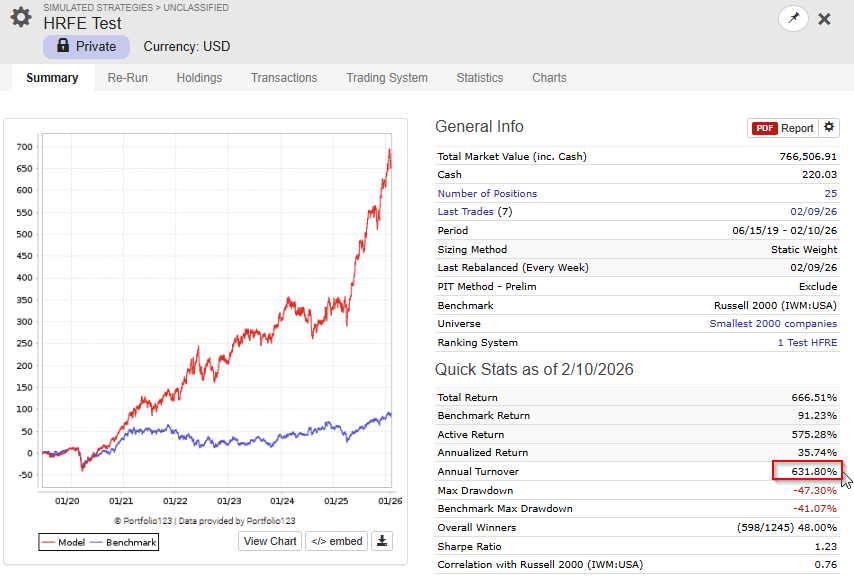
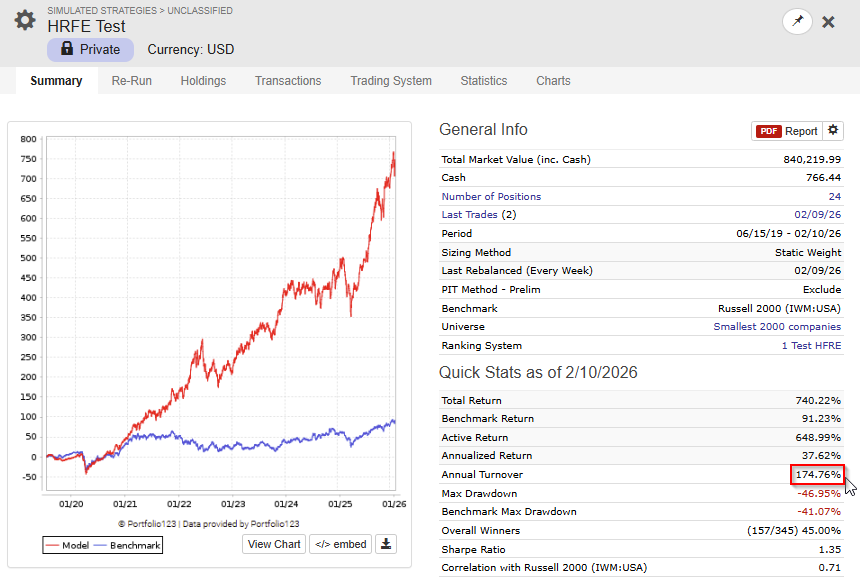
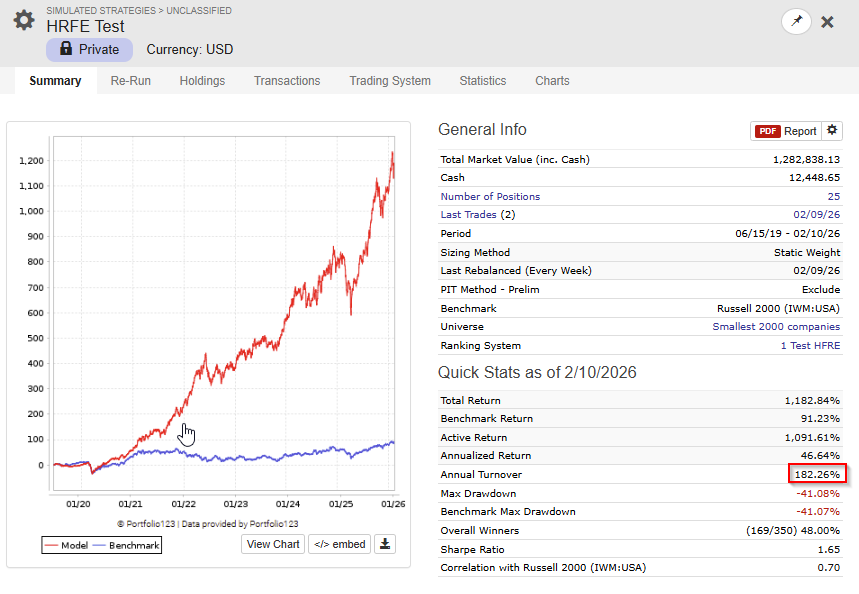
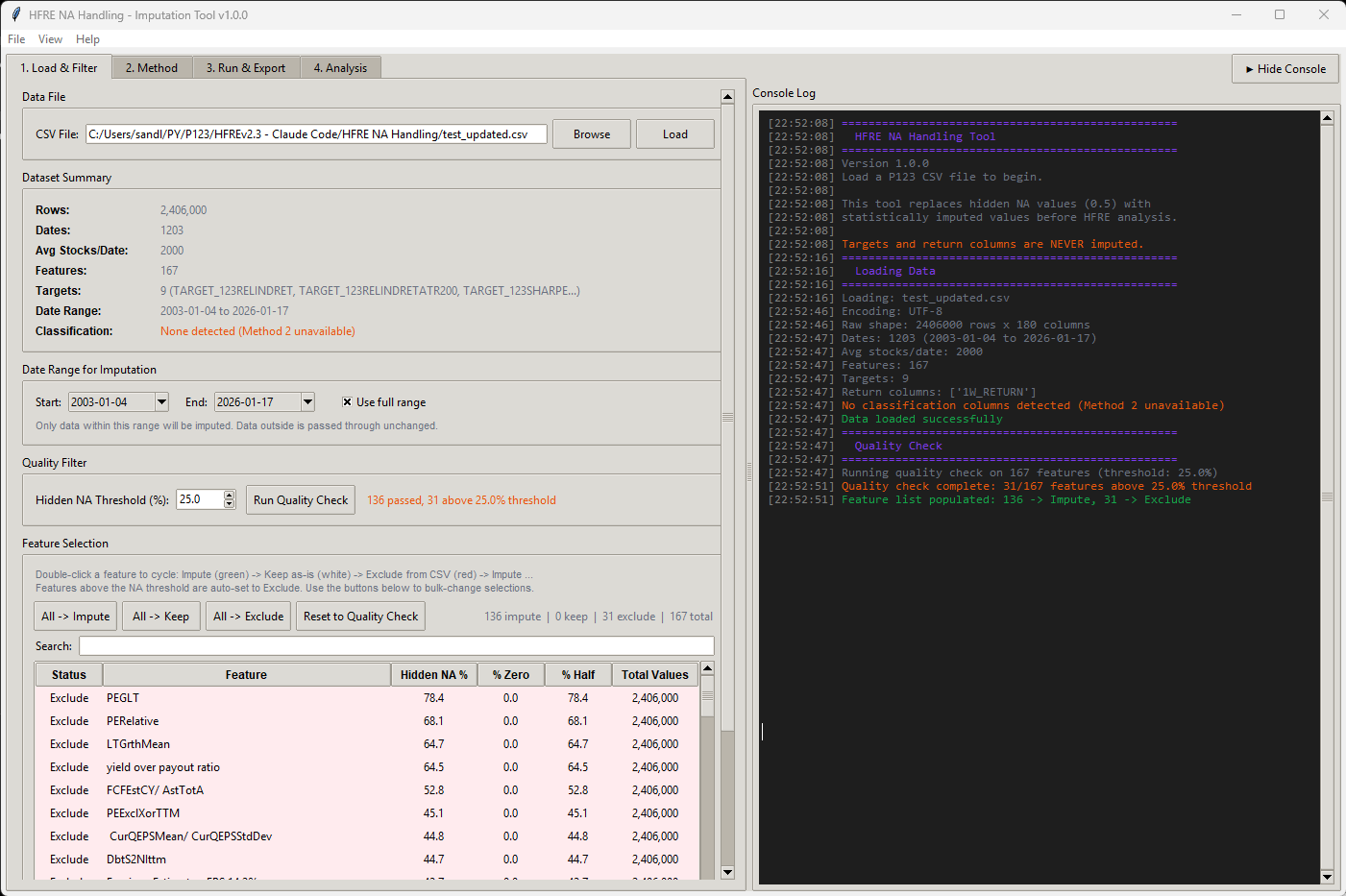
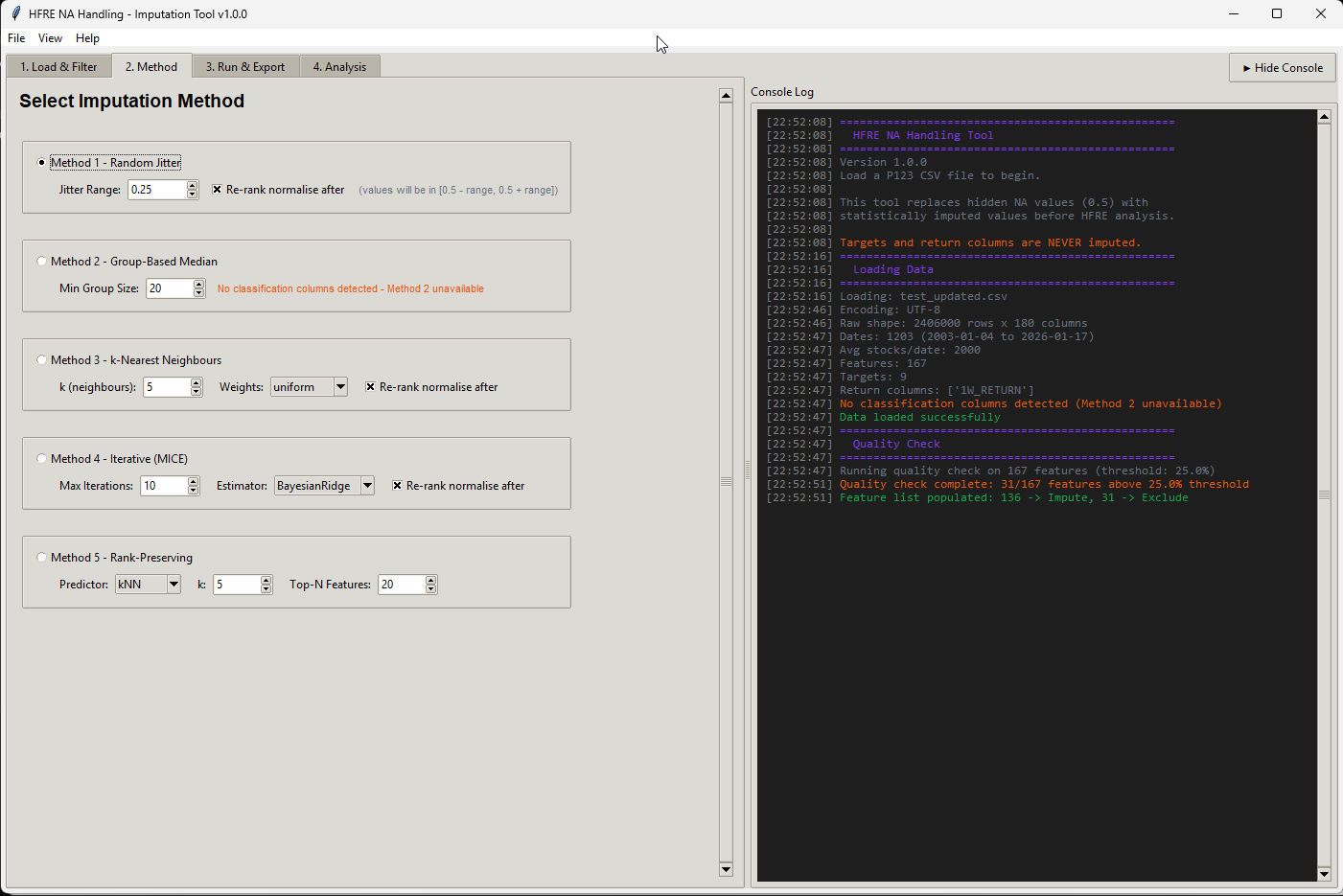
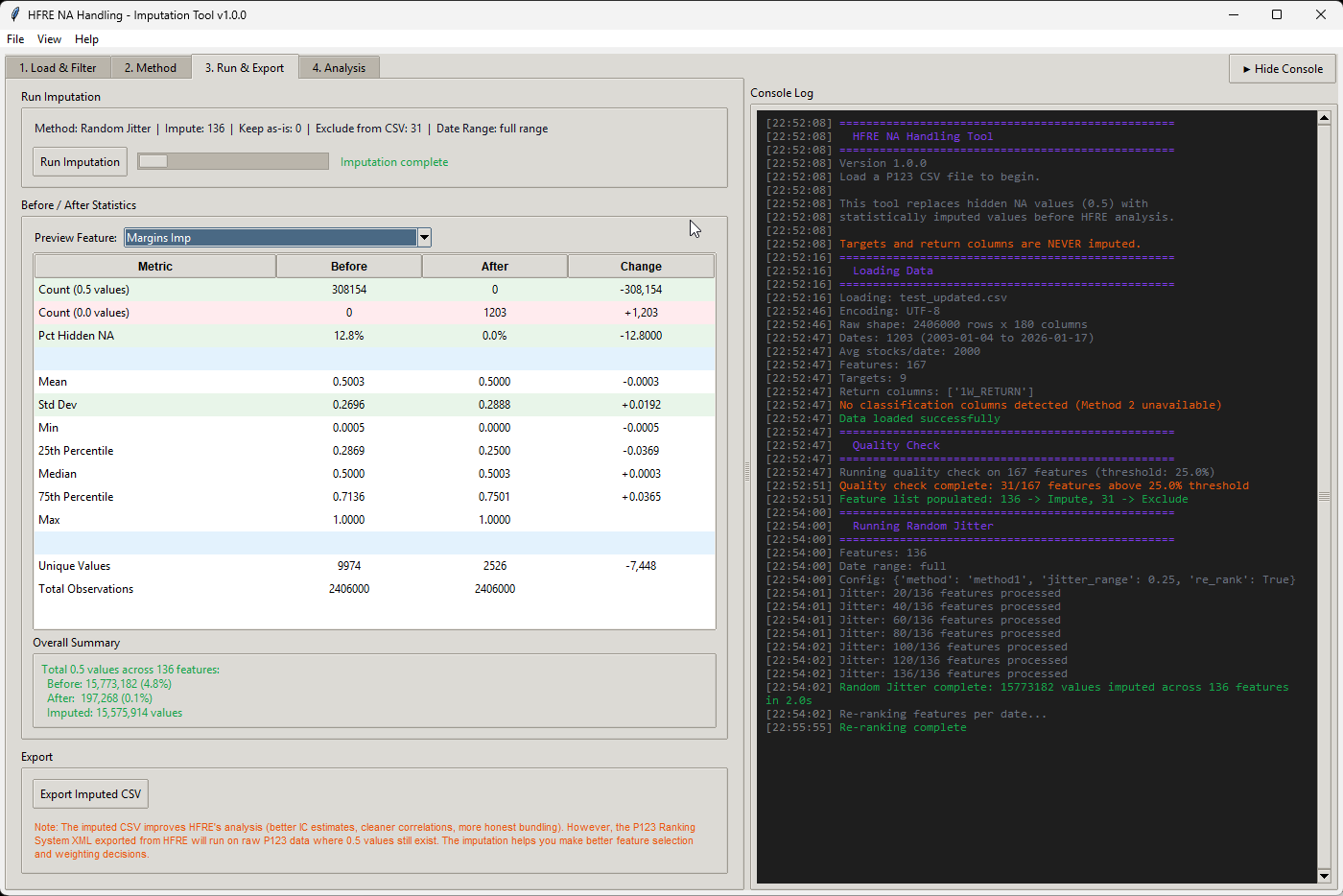
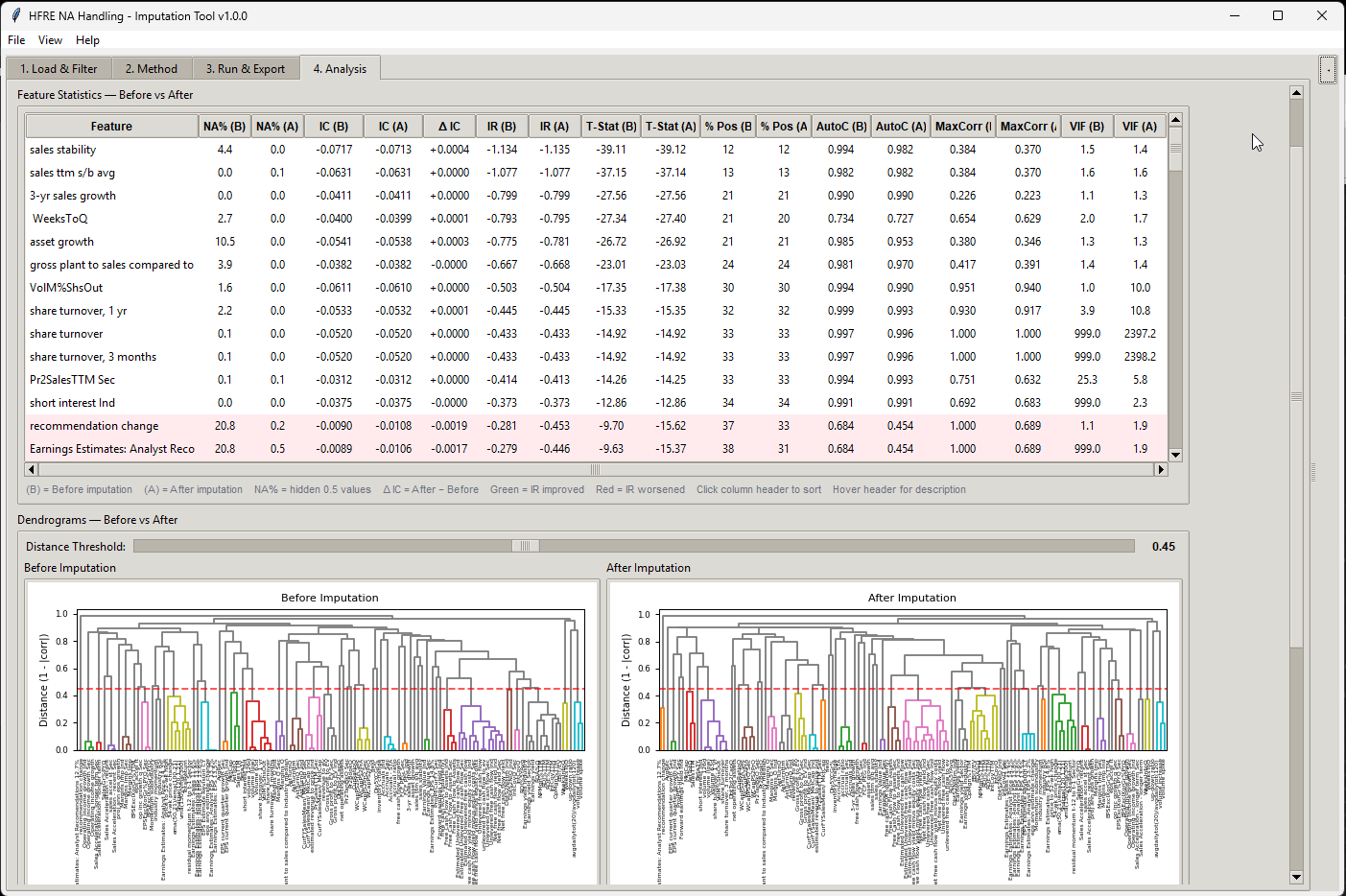
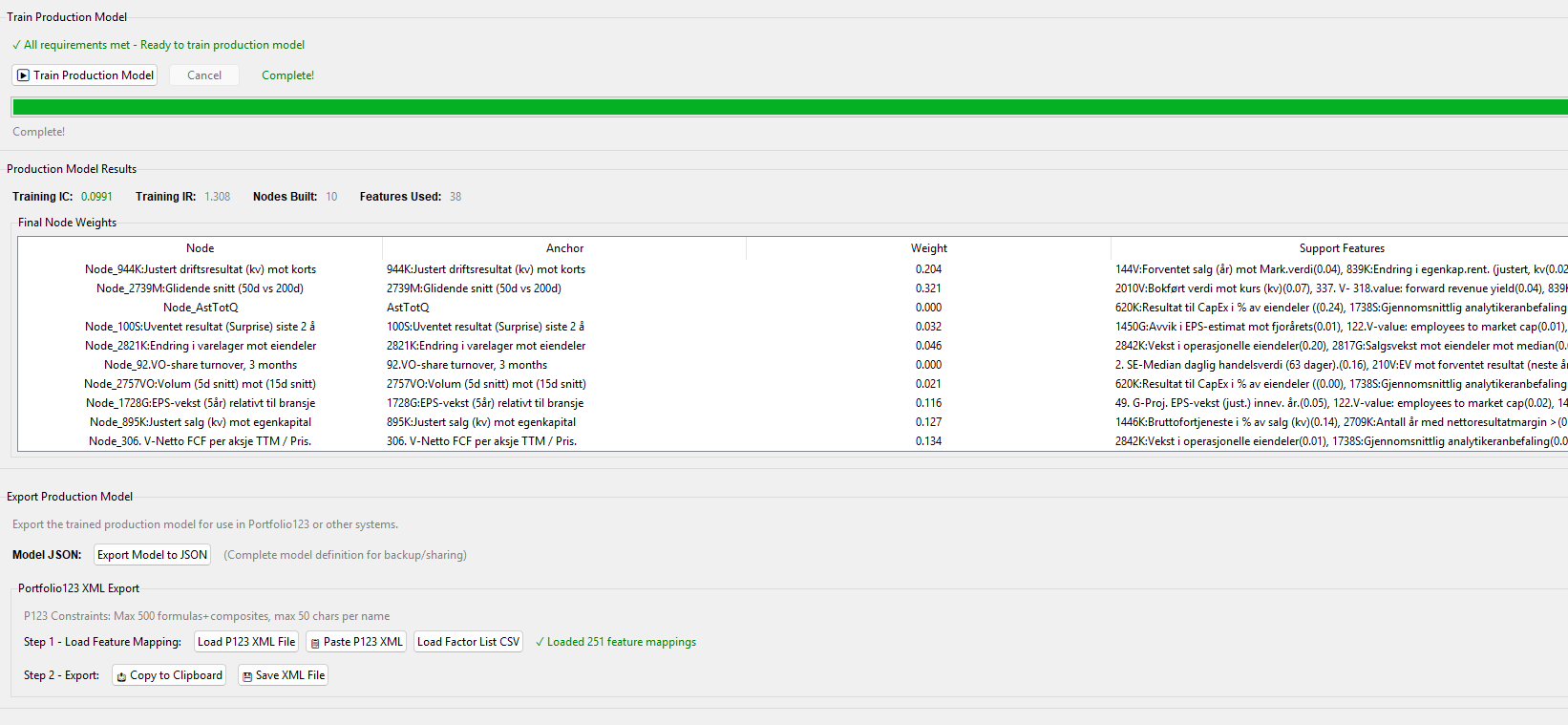
I made a script (app) that can merge CSV files, as long as you use the same dates and same universe in the factor download, you can use the script.
If the issues you are experiencing is due to too large factor files, this should solve the problem.
Just split your download in to batches of factors, download the files, then merge them with the app. You could actually pass the 300 factor limits using this app.
I still suggest to start to test the ap with 50 features or so to see how it works, the analysis in the HRFE app will be very slow with large datasets.
The app is also handy if one wants to add an additional target.
Download exe file (for windows)
Script below for python users.
"""
CSV Column Merger — GUI Application

Merges columns from one CSV file (File B) into another (File A) by row position.
Both files must have the same number of rows. Only non-duplicate columns from
File B are added. A row-by-row Ticker comparison warns about mismatches.
"""

import tkinter as tk
from tkinter import filedialog, messagebox, ttk
from pathlib import Path
from threading import Thread
from io import StringIO

import pandas as pd


def find_column(df: pd.DataFrame, candidates: list[str]) -> str | None:
    """Case-insensitive column lookup. Returns actual column name or None."""
    cols_lower = {c.lower(): c for c in df.columns}
    for candidate in candidates:
        if candidate.lower() in cols_lower:
            return cols_lower[candidate.lower()]
    return None


class MergeApp:
    """Tkinter GUI for merging columns from two CSV files."""

    def __init__(self) -> None:
        self.root = tk.Tk()
        self.root.title("CSV Column Merger")
        self.root.geometry("560x340")
        self.root.resizable(False, False)

        self.df_a: pd.DataFrame | None = None
        self.df_b: pd.DataFrame | None = None
        self.path_a: str = ""
        self.path_b: str = ""

        # StringVars for dynamic labels
        self.file_a_var = tk.StringVar(value="No file selected")
        self.file_b_var = tk.StringVar(value="No file selected")
        self.info_a_var = tk.StringVar(value="")
        self.info_b_var = tk.StringVar(value="")
        self.status_var = tk.StringVar(value="Select two CSV files to merge.")

        self._build_gui()

    # ------------------------------------------------------------------ #
    #  GUI construction
    # ------------------------------------------------------------------ #
    def _build_gui(self) -> None:
        pad = {"padx": 10, "pady": 4}

        # --- File A frame ---
        frame_a = tk.LabelFrame(self.root, text="File A  (target)", padx=8, pady=6)
        frame_a.pack(fill="x", **pad)

        row_a = tk.Frame(frame_a)
        row_a.pack(fill="x")
        tk.Button(row_a, text="Browse...", width=10,
                  command=self._browse_file_a).pack(side="left")
        tk.Label(row_a, textvariable=self.file_a_var,
                 anchor="w", fg="grey30").pack(side="left", padx=(8, 0), fill="x", expand=True)

        tk.Label(frame_a, textvariable=self.info_a_var,
                 anchor="w", fg="green4").pack(fill="x")

        # --- File B frame ---
        frame_b = tk.LabelFrame(self.root, text="File B  (source of new columns)", padx=8, pady=6)
        frame_b.pack(fill="x", **pad)

        row_b = tk.Frame(frame_b)
        row_b.pack(fill="x")
        tk.Button(row_b, text="Browse...", width=10,
                  command=self._browse_file_b).pack(side="left")
        tk.Label(row_b, textvariable=self.file_b_var,
                 anchor="w", fg="grey30").pack(side="left", padx=(8, 0), fill="x", expand=True)

        tk.Label(frame_b, textvariable=self.info_b_var,
                 anchor="w", fg="green4").pack(fill="x")

        # --- Merge button ---
        self.merge_btn = tk.Button(
            self.root, text="Merge && Save As...", width=30, height=2,
            command=self._do_merge, state=tk.DISABLED,
        )
        self.merge_btn.pack(pady=12)

        # --- Progress bar (hidden until loading) ---
        self.progress_frame = tk.Frame(self.root)
        self.progress_frame.pack(fill="x", padx=10, pady=(0, 2))
        self.progress_bar = ttk.Progressbar(
            self.progress_frame, mode="determinate", length=400,
        )
        self.progress_label = tk.Label(
            self.progress_frame, text="", anchor="w", fg="grey40",
        )
        # Start hidden — widgets are packed on demand in _show_progress / _hide_progress

        # --- Status bar ---
        tk.Label(
            self.root, textvariable=self.status_var,
            relief="sunken", anchor="w", padx=6,
        ).pack(fill="x", side="bottom", padx=10, pady=(0, 8))

    # ------------------------------------------------------------------ #
    #  File browsing
    # ------------------------------------------------------------------ #
    def _browse_file_a(self) -> None:
        self._load_file("a")

    def _browse_file_b(self) -> None:
        self._load_file("b")

    def _load_file(self, which: str) -> None:
        path = filedialog.askopenfilename(
            title=f"Select File {'A' if which == 'a' else 'B'}",
            filetypes=[("CSV files", "*.csv"), ("All files", "*.*")],
        )
        if not path:
            return

        label = "A" if which == "a" else "B"

        # Show path immediately and set "loading" state
        if which == "a":
            self.file_a_var.set(self._short_path(path))
            self.info_a_var.set("Loading...")
        else:
            self.file_b_var.set(self._short_path(path))
            self.info_b_var.set("Loading...")

        # Disable buttons during load
        self._set_buttons_enabled(False)
        self._show_progress(f"Loading File {label}...")

        # Launch background thread
        thread = Thread(
            target=self._load_file_worker, args=(path, which), daemon=True,
        )
        thread.start()

    def _load_file_worker(self, path: str, which: str) -> None:
        """Background thread: read CSV in chunks and report progress."""
        label = "A" if which == "a" else "B"
        try:
            file_size = Path(path).stat().st_size
            chunk_size = 64 * 1024  # 64 KB read chunks
            bytes_read = 0
            raw_chunks: list[str] = []

            with open(path, "r", encoding="utf-8", errors="replace") as f:
                while True:
                    chunk = f.read(chunk_size)
                    if not chunk:
                        break
                    raw_chunks.append(chunk)
                    bytes_read += len(chunk.encode("utf-8", errors="replace"))
                    pct = min(bytes_read / file_size * 100, 100) if file_size else 100
                    # Schedule UI update on main thread
                    self.root.after(0, self._update_progress, pct,
                                    f"Reading File {label}... {pct:.0f}%")

            # Parse the full text with pandas
            self.root.after(0, self._update_progress, 100,
                            f"Parsing File {label}...")
            full_text = "".join(raw_chunks)
            df = pd.read_csv(StringIO(full_text))

            # Deliver result back to main thread
            self.root.after(0, self._on_file_loaded, which, path, df, None)

        except Exception as e:
            self.root.after(0, self._on_file_loaded, which, path, None, e)

    def _on_file_loaded(self, which: str, path: str,
                        df: pd.DataFrame | None, error: Exception | None) -> None:
        """Main-thread callback after background load finishes."""
        self._hide_progress()
        self._set_buttons_enabled(True)

        if error is not None:
            messagebox.showerror("Load Error", f"Failed to load CSV:\n{error}")
            if which == "a":
                self.file_a_var.set("No file selected")
                self.info_a_var.set("")
                self.df_a = None
            else:
                self.file_b_var.set("No file selected")
                self.info_b_var.set("")
                self.df_b = None
            self._check_ready()
            return

        # Store data
        if which == "a":
            self.df_a = df
            self.path_a = path
            self.info_a_var.set(f"Loaded \u2014 {len(df):,} rows, {len(df.columns)} columns")
        else:
            self.df_b = df
            self.path_b = path
            self.info_b_var.set(f"Loaded \u2014 {len(df):,} rows, {len(df.columns)} columns")

        self._check_ready()

    # ------------------------------------------------------------------ #
    #  Progress bar helpers
    # ------------------------------------------------------------------ #
    def _show_progress(self, text: str) -> None:
        self.progress_bar.pack(fill="x", pady=(0, 2))
        self.progress_label.pack(fill="x")
        self.progress_bar["value"] = 0
        self.progress_label.config(text=text)
        self.status_var.set(text)
        self.root.update_idletasks()

    def _update_progress(self, value: float, text: str) -> None:
        self.progress_bar["value"] = value
        self.progress_label.config(text=text)
        self.status_var.set(text)

    def _hide_progress(self) -> None:
        self.progress_bar.pack_forget()
        self.progress_label.pack_forget()
        self.progress_bar["value"] = 0

    def _set_buttons_enabled(self, enabled: bool) -> None:
        state = tk.NORMAL if enabled else tk.DISABLED
        for widget in self.root.winfo_children():
            if isinstance(widget, tk.LabelFrame):
                for child in widget.winfo_children():
                    if isinstance(child, tk.Frame):
                        for btn in child.winfo_children():
                            if isinstance(btn, tk.Button):
                                btn.config(state=state)
        # Always manage merge button separately via _check_ready
        if enabled:
            self._check_ready()
        else:
            self.merge_btn.config(state=tk.DISABLED)

    @staticmethod
    def _short_path(path: str, max_len: int = 55) -> str:
        """Truncate long paths for display."""
        if len(path) <= max_len:
            return path
        return "..." + path[-(max_len - 3):]

    def _check_ready(self) -> None:
        if self.df_a is not None and self.df_b is not None:
            self.merge_btn.config(state=tk.NORMAL)
            self.status_var.set("Both files loaded. Ready to merge.")
        else:
            self.merge_btn.config(state=tk.DISABLED)

    # ------------------------------------------------------------------ #
    #  Merge logic
    # ------------------------------------------------------------------ #
    def _do_merge(self) -> None:
        assert self.df_a is not None and self.df_b is not None

        # 1 ── Row count check
        if len(self.df_a) != len(self.df_b):
            messagebox.showerror(
                "Row Count Mismatch",
                f"File A has {len(self.df_a):,} rows but File B has "
                f"{len(self.df_b):,} rows.\n\n"
                f"Both files must have the same number of rows.",
            )
            return

        # 2 ── Find Ticker column in both files
        ticker_candidates = ["ticker", "Ticker", "TICKER", "symbol", "Symbol"]
        ticker_a = find_column(self.df_a, ticker_candidates)
        ticker_b = find_column(self.df_b, ticker_candidates)

        if ticker_a is None or ticker_b is None:
            missing = []
            if ticker_a is None:
                missing.append("File A")
            if ticker_b is None:
                missing.append("File B")
            messagebox.showerror(
                "Ticker Column Not Found",
                f"Could not find a Ticker/Symbol column in: {', '.join(missing)}.\n\n"
                f"Expected one of: {', '.join(ticker_candidates)}",
            )
            return

        # 3 ── Row-by-row ticker comparison
        tickers_a = self.df_a[ticker_a].astype(str).values
        tickers_b = self.df_b[ticker_b].astype(str).values

        mismatches: list[tuple[int, str, str]] = []
        for i in range(len(tickers_a)):
            if tickers_a[i] != tickers_b[i]:
                mismatches.append((i + 1, tickers_a[i], tickers_b[i]))

        if mismatches:
            sample = mismatches[:20]
            lines = [f"  Row {row}: '{ta}'  vs  '{tb}'" for row, ta, tb in sample]
            detail = "\n".join(lines)
            if len(mismatches) > 20:
                detail += f"\n  ... and {len(mismatches) - 20:,} more"

            proceed = messagebox.askyesno(
                "Ticker Mismatch Warning",
                f"\u26a0  {len(mismatches):,} of {len(tickers_a):,} rows have "
                f"different Ticker values:\n\n"
                f"{detail}\n\n"
                f"Do you want to continue with the merge anyway?",
            )
            if not proceed:
                self.status_var.set("Merge cancelled by user.")
                return

        # 4 ── Separate new columns vs. duplicates
        cols_a_lower = {c.lower(): c for c in self.df_a.columns}
        new_columns: list[str] = []
        duplicate_columns: list[tuple[str, str]] = []  # (col_b, col_a)

        for col in self.df_b.columns:
            if col.lower() in cols_a_lower:
                existing = cols_a_lower[col.lower()]
                # Skip the shared key columns (Ticker, Date) — never overwrite those
                if col.lower() not in {"ticker", "date", "data", "symbol", "p123 id"}:
                    duplicate_columns.append((col, existing))
            else:
                new_columns.append(col)

        # Ask about overwriting duplicate columns
        overwrite_columns: list[tuple[str, str]] = []
        if duplicate_columns:
            dup_names = [f"  {col_b}" for col_b, _ in duplicate_columns[:20]]
            detail = "\n".join(dup_names)
            if len(duplicate_columns) > 20:
                detail += f"\n  ... and {len(duplicate_columns) - 20} more"

            answer = messagebox.askyesnocancel(
                "Duplicate Columns Found",
                f"{len(duplicate_columns)} column(s) in File B already exist "
                f"in File A:\n\n{detail}\n\n"
                f"Yes = Overwrite with File B values\n"
                f"No = Skip duplicates, only add new columns\n"
                f"Cancel = Abort merge",
            )
            if answer is None:  # Cancel
                self.status_var.set("Merge cancelled by user.")
                return
            if answer:  # Yes — overwrite
                overwrite_columns = duplicate_columns

        if not new_columns and not overwrite_columns:
            messagebox.showinfo(
                "Nothing to Add",
                "No new columns to add and no duplicates selected "
                "for overwrite.\nNothing to merge.",
            )
            return

        # 5 ── Build merged dataframe (positional alignment)
        self.status_var.set("Merging...")
        self.root.update_idletasks()

        result_df = self.df_a.copy()
        for col in new_columns:
            result_df[col] = self.df_b[col].values
        for col_b, col_a in overwrite_columns:
            result_df[col_a] = self.df_b[col_b].values

        # 6 ── Save As dialog
        default_name = Path(self.path_a).stem + "_merged.csv"
        output_path = filedialog.asksaveasfilename(
            title="Save Merged CSV As",
            defaultextension=".csv",
            filetypes=[("CSV files", "*.csv"), ("All files", "*.*")],
            initialfile=default_name,
            initialdir=str(Path(self.path_a).parent),
        )
        if not output_path:
            self.status_var.set("Save cancelled.")
            return

        # 7 ── Write output
        try:
            result_df.to_csv(output_path, index=False)
        except Exception as e:
            messagebox.showerror("Save Error", f"Failed to save file:\n{e}")
            return

        # Build summary
        summary_parts: list[str] = []
        if new_columns:
            col_list = ", ".join(new_columns[:10])
            if len(new_columns) > 10:
                col_list += f" ... (+{len(new_columns) - 10} more)"
            summary_parts.append(f"Added {len(new_columns)} new column(s):\n  {col_list}")
        if overwrite_columns:
            ow_list = ", ".join(col_b for col_b, _ in overwrite_columns[:10])
            if len(overwrite_columns) > 10:
                ow_list += f" ... (+{len(overwrite_columns) - 10} more)"
            summary_parts.append(f"Overwritten {len(overwrite_columns)} column(s):\n  {ow_list}")

        self.status_var.set(f"\u2713  Saved: {Path(output_path).name}")
        messagebox.showinfo(
            "Merge Complete",
            "\n\n".join(summary_parts) + "\n\n"
            f"Result: {len(result_df):,} rows, {len(result_df.columns)} columns\n"
            f"Saved to: {output_path}",
        )


if __name__ == "__main__":
    app = MergeApp()
    app.root.mainloop()